By Katie Smathers
More and more people are using technology in their everyday lives, including in the classroom. On Monday, Oct. 20, the unexpected shutdown of Canvas forced teachers to act quickly to ensure their lessons proceeded as planned.
Let’s see how some teachers navigated through the Canvas shutdown!
Photos by Hannah Lazarte.
SARA SAADEH
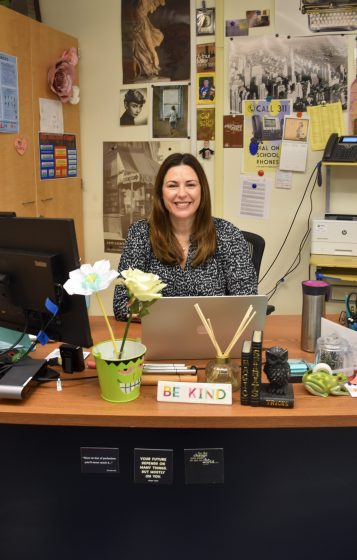
“It didn’t affect me too much. It would have definitely affected me today, because I have students in two classes taking a test, and it’s on Canvas. So it affected me yesterday in that I couldn’t check out my test to look at, you know, the specifics of it, but I had already discussed it with my students,” Sara Saadeh. “Last week, I emailed some of my classes the agenda that they normally can see on canvas, and I emailed different classes an ongoing, just so they had access to it, especially since we didn’t know how long it would be down. I know a lot of students were worried about late submission, but I would be willing to bet that their teachers will be flexible, given that it was beyond anyone’s control.”
AMY PHELAN
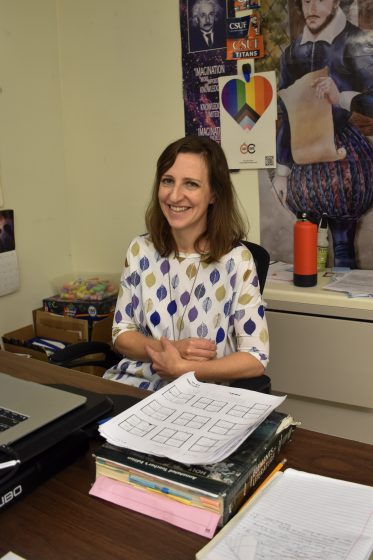
“Luckily, a lot of what I do with my senior classes is on worksheets, and then conveniently, what I do with my sophomores that day was on Google Slides, so I was able to adapt in that way. I’d say the bigger effect was falling very behind in grading. So the classroom was a pretty easy adjustment, actually,” Amy Phelan said.
MATT PATTON
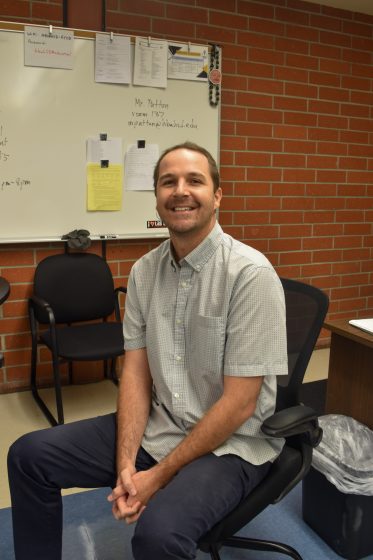
”Luckily, it didn’t impact me. Yesterday, I was able to do our normal kind of routine without having to access Canvas, since I’m trying to kind of shift away from a lot of computer work this year, so most of our stuff is on paper,” Matt Patton said.
SCOTT RAGAN
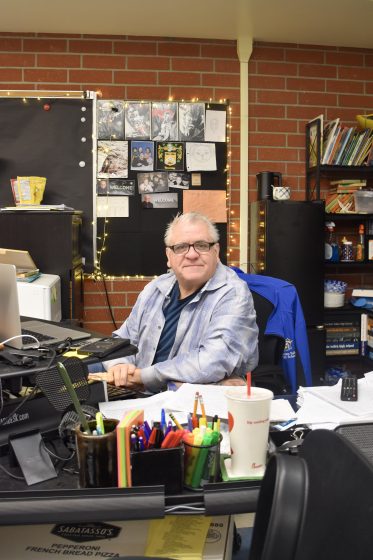
“Well, because I never trust anything to just the web. I already had my backup. So, like I had my students, they were going to be writing something in Canvas, but I already created it in Google Docs first. So it was easy for me. It’s just to put it up. It just made it so that I had to go and make copies of the excerpt they were going to write about because they couldn’t access it on the web. So that was the only thing I had to run and make copies of this two-page excerpt,” Scott Ragan said.
AARON TYSON
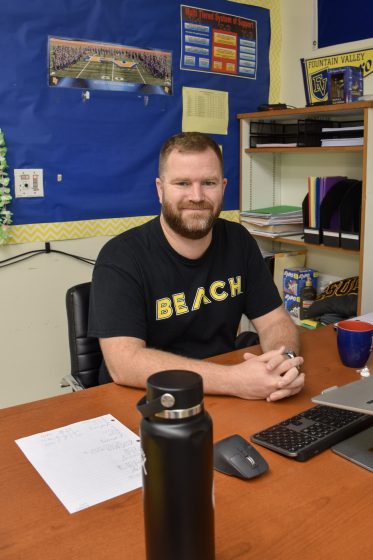
“So I still have most of my content available digitally on my Google Drive. So what I ended up doing was making a folder for each of my subjects, and I loaded in all of the work that we had for the day into a Google Drive folder that I then created a Bitly link and a QR code that I shared with my students. So then my students had access since they still had access to the internet and had access to Google, they could access their content through the shared Google folder,” Aaron Tyson said.
DOUG WILTON
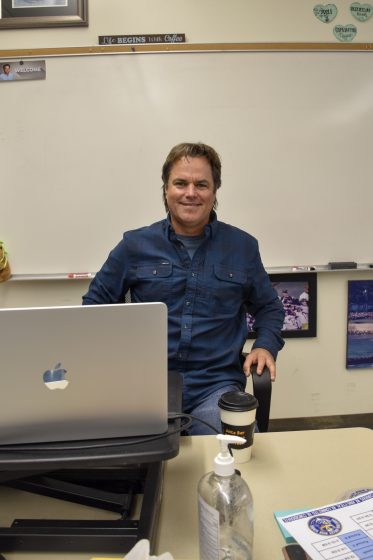
“We still had access to Google Docs, so I had to, first of all, had to remember what we’re doing because I have my Canvas modules kind of pre-built based on past years and what we’ve done. And then, so I had to remember what we were doing this week. And once I had a rough idea of that, I went into my Google Drive and I made some hard copies, some printouts. And so I used the printer for probably the first time this year, and I had to remember my access code to use the printer, which took me a little while to find. But once I, printed everything out and did hard copies, it was kind of fun going back to the old way of doing things,” Doug Wilton said.
This article was edited on Thursday, October 23 at 11:31 p.m. to correct Doug Wilton’s name from Doug Tyson to Doug Wilton.